Online Tally Counter for Quick Everyday Counting
Keep track of people, items, repetitions, scores or anything else you need to count. Tap to add a count, save your progress and pick up where you left off whenever you need it.

What Is a Tally Counter?
A tally counter is a simple way to keep track of something as it happens. You add one count each time you see an item, person, action or event so you always have a running total.
People use tally counters for things like counting visitors, checking stock, recording attendance, tracking repetitions or keeping score. Instead of writing a new mark every time a digital counter lets you update the number with a quick click or tap.
Keep Different Counts in One Place
Keep Different Counts in One Place
When you need to keep track of more than one thing separate counters make the job much easier. You can create a counter for each item or activity instead of putting everything into one running number.
For example you might track visitors at an event different products during an inventory check workout repetitions or separate groups during an activity. Each counter keeps its own total so you can switch between them without losing track of what you have already counted.
- Create separate counters for different items groups or activities
- Give each counter a clear name so you know what its number represents
- Use different colors to tell counters apart at a glance
- Reset one counter without affecting the others
- Keep several counts together instead of opening separate tools

Your Count Stays Saved
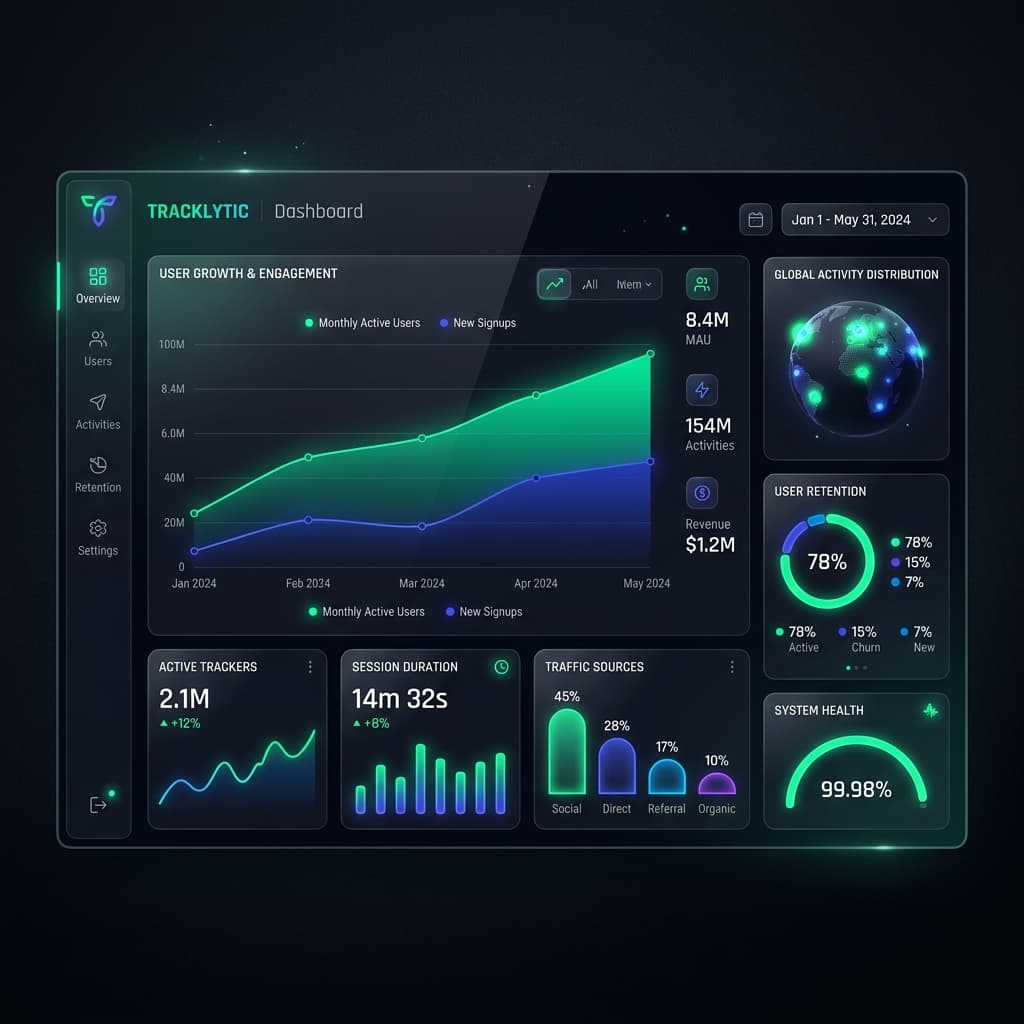
You do not have to start from zero every time you come back. Your counts can be saved as you work so you can continue a task after refreshing the page or returning later.
This is useful for counts that take time to complete. Whether you are keeping track of stock recording attendance or working through a long list you can keep your progress in one place instead of writing the number down somewhere else.
- Automatic saving keeps your latest count available
- Continue later without entering the number again
- Browser storage can keep your count on the same device
- Phone tablet or computer access depends on how your account and counter are set up
Count Together With Your Team
Some counting jobs are easier when more than one person can work on them. If your team is checking stock recording attendance or counting items at different points shared counters can keep everyone working with the same information.
You can invite team members and control what they are allowed to do. Depending on the account settings someone can have permission to view a counter make changes or help manage the counting task.
Ways You Can Use a Tally Counter
A tally counter can be useful for much more than keeping a simple number. Whenever you need to record the same type of item person or action repeatedly a separate counter can save you from writing the number down each time.

Event Visitor Counting
Keep a running count of people entering an event booth meeting or other busy area. If you need separate numbers for different groups you can keep them in different counters.

Inventory Counting
Use a counter while checking products supplies boxes or other stock. A separate counter for each item can make a stock check easier to manage.
Workout & Gym Tracking
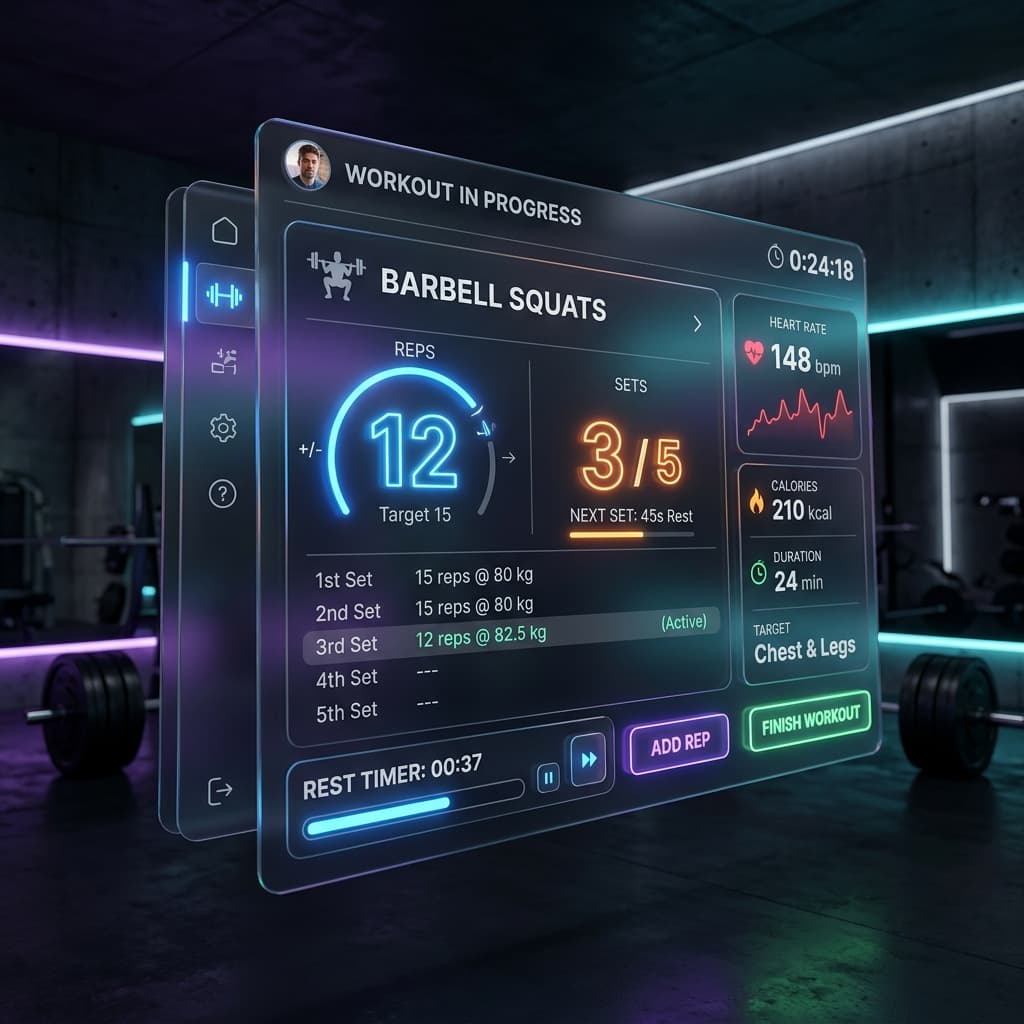
Record repetitions sets laps or other repeated movements during a workout. You can update the count as you go instead of trying to remember how many you have completed.
Tasbeeh & Repetition Counting
A digital counter can help you keep track of repeated zikr tasbeeh or other personal counting routines. Each tap adds another repetition to the total.
Classroom Activities
Teachers can use counters for attendance student participation responses or other classroom activities that involve repeated counting. Different counters can be used when several groups need to be tracked separately.
Sports Scores
Use separate counters to keep track of points goals runs rounds or other game events. This can be useful when you need a quick running score during a match or practice session.
Use Your Tally Counter on the Device You Have
Whether you are counting from a computer phone or tablet you can use the counter from your browser without needing a separate physical clicker. This makes it practical for counting at home at work in a classroom or while you are out.
If your count is saved to your account you can return to the same counting task later instead of writing the number down somewhere else.

How to Use the Tally Counter
Getting started is simple. Create a counter give it a name if needed and start adding counts as you go. If you have more than one thing to track you can create additional counters and keep their totals separate.
1. Create a Counter
Start by creating a counter for the thing you want to track. You can use a clear name such as Visitors Stock Repetitions Students or Team A so you know what each number represents.
2. Start Counting
Once your counter is ready click or tap the counting button whenever you need to add one. On supported devices keyboard controls can also make repeated counting easier. If you make a mistake use the available minus or adjustment option to correct the number rather than starting over.
3. Manage Your Counts
When you are working with several counters keep each one assigned to a specific item or activity. You can also review your saved counts and manage them according to the features available in your account. For tasks that require a record later export options such as CSV or Excel/Sheets can be useful if your account supports them.
Trusted by people who count every day.
"Tally Counter has completely changed how we manage door entries. We used to use physical clickers that would break or get lost. Now my whole team syncs on their phones."

Sarah Jenkins
Event Coordinator"The tasbeeh counter is flawless. It saves my progress automatically so I never lose count, even if my phone dies or I close the browser. Beautiful design too."

Omar Farooq
Daily User"Exporting our inventory tally directly to Google Sheets saves us hours every week. The multi-counter feature lets us track different aisles simultaneously."

Marcus Chen
Warehouse ManagerFrequently Asked Questions
Stop losing count.
Start tracking today.
Whether you are keeping track of stock recording attendance or working through repetitions you can keep your progress in one place.